Add a new group
You can add a new group to your Kept account as a broker in just a few easy steps!
First, make sure you're logged into your Kept admin account.
Next, click Add Clients from the box at the bottom left of your screen:
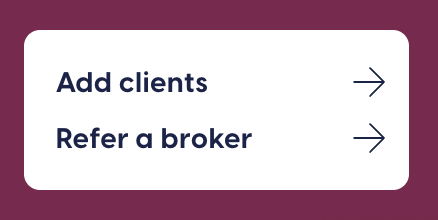
Finally, complete all the associated information for the group - that's it! We'll send an email on next steps in the implementation process to you and the group administrator, and your dedicated Kept implementation representative if any additional information is needed.
Related Articles
Group renewal process
Kept admins begin to receive reminder emails in the months leading up to a renewal date. You’ll be prompted to login to the Kept portal to provide basic renewal information: Plan start and end dates Open enrollment window for active employees, so ...Adding Kept admins
Multiple contacts at your company can act as administrators on your Kept account. To add someone new, you just need their name and email address! Simply login to your Kept account and navigate to the “Admins” tab and complete the “Invite new company ...Adding a bank account for remittance
Kept collects premium payments from your group's COBRA participants each month, and remits them back to you. We do this automatically so you don't have to think about it each month! In order to do so, you must add bank information to your account so ...How integration works
Kept COBRA administration is made easy through our integration partnerships. Once we have the integration built for a group, we import data daily into the Kept platform. The home Benefits Administration system continues to be the source of truth, ...Kept implementation process
Thank you for choosing Kept as your COBRA provider! Once a broker has added a company through the Kept portal, there are some tasks that need to be completed before a group will be ready to go live. Here's what to expect over the 2 - 4 week ...